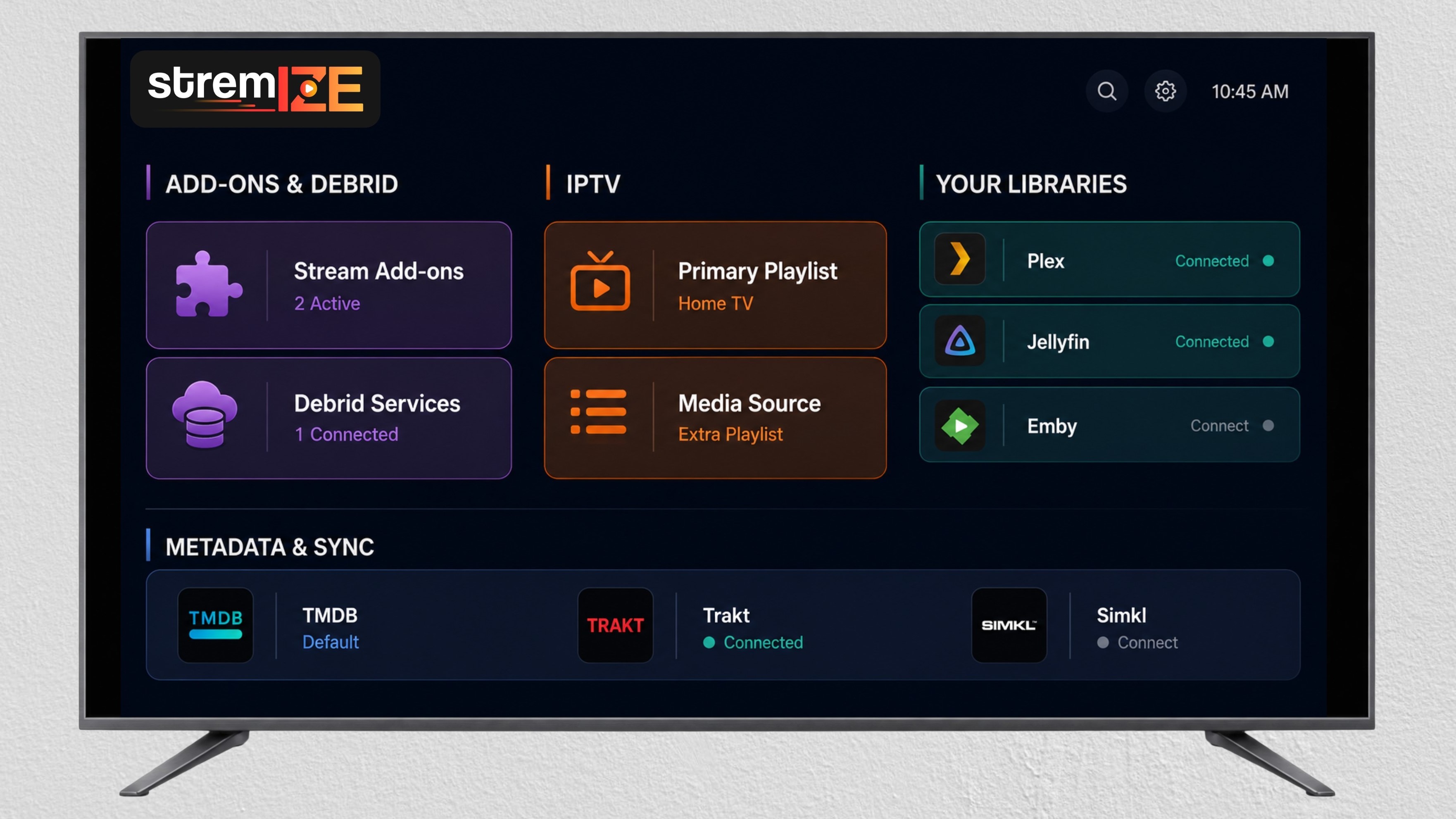




One App, Two Powerful Modes
Debrid Mode integrates with your personal Debrid accounts to resolve and stream from sources you authorize.
Playlist Mode connects to your Xtream Codes or M3U playlists and generates a clean TV and VOD interface based on the credentials and links you provide.
-
Smart Add-on System
Connect your personal Debrid services once - instantly sync across all devices
-
Flexible Playlist Integration
Add your M3U link, EPG, or Xtream Code - your playlist, your control
-
Smooth & Premium Playback
Fast loading, Smooth streaming with HDR, Dolby Vision, and immersive audio support
-
Flexible Plans, Full Access
Unlock Premium features with simple, transparent subscription options
-
Trakt & Collections
Sync with Trakt and build personalized collections your way
-
Multi-Device Sync
Pick up right where you left off - any device, any time
* IMPORTANT: Stremize is strictly a media player, not an IPTV service. No channels or VOD provided; it streams only from your own legitimate playlists or Debrid accounts.
Metadata from TMDB & Trakt. No data stored by Stremize.
Your
Whether you're solo or sharing with family/friends, find your perfect plan - no hidden fees, instant access.
Frequently Asked Questions
Quick answers to common questions.
Stremize is an all-in-one streaming app that connects with your favorite content sources using debrid services and playlist integrations. Watch movies, series, and live TV across multiple devices with a clean, fast, and customizable interface
Yes - Stremize is free to download and install. New accounts receive a 7-day trial with full Premium access on up to 2 devices, no credit card required. After the trial, please purchase an activation code to keep Premium features. You can choose Solo (2 devices), Home (5 devices), or Zone (10 devices) with terms from 1 month up to lifetime. Payments are one-time (no auto-renew) and processed securely.
Premium includes:
-
Integration with your own Debrid accounts for high-quality playback.
-
Playlist playback (Xtream/M3U/EPG). Free users can add unlimited playlists but cannot play them until upgrading.
-
Multi-device support according to your plan and other advanced controls.
Stremize works seamlessly on Android phones, tablets, and TVs — including Firestick, Chromecast with Google TV, and Onn. streaming devices. To ensure the best performance, Stremize offers two separate APK versions: one optimized for mobile devices, and another specifically designed for TV interfaces.
Our system automatically detects your device type and delivers the correct version during download. You can also manually download either version by visiting stremize.com/download or by entering the code 8300665 in the Downloader app on your Firestick or Android TV.
Install the app, launch it, and follow the on-screen instructions. You can connect your debrid account, add your playlist (XC), or explore community add-ons to unlock full features.
Stremize offers two flexible modes to suit different needs:
-
Stremize Mode – Designed for integrating add-ons like Real-Debrid, Premiumize, or community sources. This mode gives you smart search, autoplay, and personalized streaming experiences.
-
Playlist Mode – Built for Xtream Codes (XCAPI) integration. This mode allows you to stream the full content of your IPTV or VOD playlist from any provider you connect.
You can switch between modes anytime via the settings menu.
The app remembers the last mode you used on each device, so it will automatically load that mode the next time you open the app.
Stremize does not host or store any content. It simply connects to services you authorize (e.g., debrid or playlist links). Users are responsible for ensuring that their usage complies with local laws.